
Hypertension

Check how much salt is in your food while you shop

Scan the barcode with Bite Insight, a free app for UK supermarket food, and see the salt in grams with a Sodium rating from Low to Very High. Add Hypertension to your profile and it also picks out salty ingredients like monosodium glutamate and soy sauce. Ratings are per 100g, so allow for how much you’ll eat.

Cutting salt is simple in theory
and hard in practice

Most people assume they can just stop adding salt. The reality is that about three quarters of the salt we eat is already in food when we buy it, often in things that don’t taste salty.

0
people in the UK have high blood pressure

Hypertension is one of the most common conditions in the UK and a major risk factor for stroke, heart attack, and kidney disease. Many people do not know they have it until it is picked up at a routine check.

0
Of the salt we eat is already in food we buy

Three quarters of the salt we eat comes from processed and prepared foods, not from cooking or the table. Bread alone is one of the biggest contributors, alongside ready meals, cereals, and condiments.

0
Maximum recommended daily salt intake

The NHS recommends no more than 6g of salt a day for all adults. Most UK adults consume significantly more than this, often without realising it because so much salt is hidden in everyday foods.

Quick guide

How to check the salt in food at the supermarket

The NHS says around three quarters of the salt we eat comes from packaged and everyday foods we buy. Bread and breakfast cereal are two of the big ones, and neither tastes very salty. You can let the app read the salt figure for you, or check the pack yourself.

With Bite Insight

Let the app read the salt line

  1. Add Hypertension to your profile

    Do it once when you sign up, or later in settings. The option is called Hypertension rather than high blood pressure. Once it’s set, Sodium is the first rating you see after a scan, with Saturated fat next to it. The Nutrition tab also gets stricter about salt.

  2. Scan the barcode

    Point your phone at the barcode and you get a Sodium rating from Low (green) to Very High (red). Despite the name, it’s worked out from the salt figure per 100g. Under Flagged ingredients you’ll see anything salty in the ingredients list, like salt itself, monosodium glutamate, sodium nitrite or stock cube.

Scan your first product free
Your sodium rating
  • Low
  • Moderate
  • High
  • Very High

Rated from salt per 100g, so allow for your portion.

Checking the pack yourself

Four checks on the back of the pack

Read the salt per 100g

The NHS counts more than 1.5g of salt per 100g as high and 0.3g or less as low. Anything in between is medium. Use the per 100g column to compare products, then look at the portion, because adults should have no more than 6g of salt a day in total.

Only sodium listed? Times it by 2.5

Most UK packs give salt, but Blood Pressure UK says some imported foods list sodium instead. 1g of sodium is the same as 2.5g of salt. So more than 0.6g of sodium per 100g works out at over 1.5g of salt, which counts as high.

Compare brands of the same thing

Similar products can be very different. Blood Pressure UK gives the example of two loaves where one has 1g of salt per slice and the other has half that. If you eat bread, cereal or ham most days, they’re worth checking.

Watch the sauces and stock

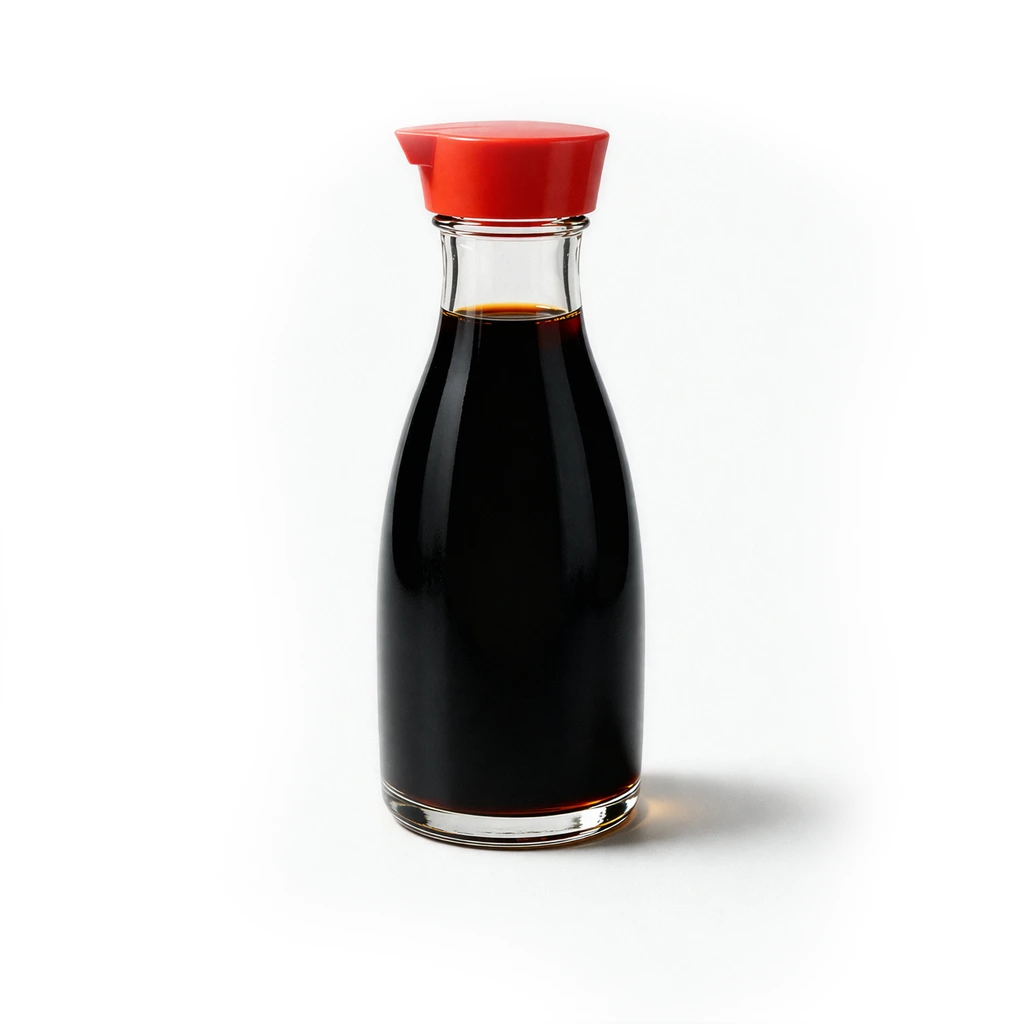
The NHS says soy sauce, gravy granules, ketchup and mustard can be high in salt. Cheese, pickles and cured meats are salty too. It suggests trying low salt soy sauce and stock cubes. Blood Pressure UK also says to look at where salt sits in the ingredients list. The closer to the top it is, the more there’s likely to be.

Check before you swap to a salt substitute

Low-sodium salt substitutes use potassium instead of sodium. Blood Pressure UK says they could help if you find cooking without salt hard. It also says that if you have kidney problems or diabetes, you should check with your doctor or nurse first, as they might not suit you. Bite Insight can’t tell you whether one is right for you.

Where the salt shows up on a UK label

Salt

Where to find it
Nutrition table on the back or side of the pack, per 100g column
What to look for
NHS bands per 100g: 0.3g or less is low, more than 1.5g is high. Then scale it to your portion.

Front-of-pack traffic light

Where to find it
Front of the pack, if the maker uses one
What to look for
The NHS suggests going for green and amber. Red means the food is high in salt.

Sodium

Where to find it
Some imported foods list this instead of salt
What to look for
Multiply by 2.5 to get salt. More than 0.6g of sodium per 100g is high.

Salt in the ingredients

Where to find it
Ingredients list
What to look for
Salt, sea salt or rock salt near the start of the list means there’s likely to be more of it.

Sodium-based additives

Where to find it
Ingredients list, often in brackets after the additive type
What to look for
Monosodium glutamate (E621), sodium bicarbonate, sodium nitrite, sodium benzoate, sodium citrate

Salty ingredients inside the food

Where to find it
Ingredients list
What to look for
Soy sauce, fish sauce, stock, bouillon, gravy granules, cheese, cured meat
Under the hood

How Bite Insight works this out

The Sodium rating comes from one number: the salt figure per 100g on the label. It doesn’t look at the serving size, and it doesn’t convert anything from sodium. Low means 0.3g of salt or less per 100g, and Moderate goes up to 1.5g. Those are the same lines the NHS uses for low and high on food labels. Above that the app splits things in two. High runs up to 3g, and anything over 3g is Very High. The ingredient flags are a separate check. The app reads the ingredients list for salt, sodium-based additives and salty sauces, and marks each one it finds as harmful for Hypertension.

Bite Insight gives general food information, not medical advice. The Sodium rating is the app’s own guide, worked out from salt per 100g. If you’ve been told to cut down on salt, your GP, practice nurse or pharmacist can talk through what that means for you, especially if you take blood pressure medicine or have kidney problems.

Built around your condition

Bite Insight does not give everyone the same results. Set your hypertension profile once and every scan is filtered through your specific needs.

Sodium Very High

Sodium rating

Every scan shows a Sodium rating from Low to Very High, worked out from the salt figure per 100g. A Saturated fat rating sits beside it.

Limit
Salt
4.5g / 100g High
Saturated fat
0.5g / 100g Low

Salty ingredients flagged for you

Set Hypertension as your condition and Bite Insight flags salty ingredients on every scan, such as salt, monosodium glutamate, sodium nitrite and soy sauce. The Nutrition tab shows salt in grams, and its salt traffic light turns red sooner.

Flag feature preview, decorative

Flag ingredients you want to avoid

plus

Salt, MSG and sodium additives are already flagged for free. With Bite Insight+ you can add anything else you want to steer clear of, and it gets picked out on every scan.

Feature spotlight

See how salty a product is at a glance

The Sodium rating looks at the salt figure per 100g on each product and rates it from Low to Very High. It doesn’t keep count of how much salt you’ve had in a day.

Low 0.3g of salt or less per 100g
Moderate More than 0.3g and up to 1.5g of salt per 100g
High More than 1.5g and up to 3g of salt per 100g
Very High More than 3g of salt per 100g
Sodium rating icon at Low

From scan to confidence in seconds

No more squinting at the salt line in the supermarket aisle.

Scanning a food product barcode with a smartphone

Scan the label

Point your camera at any food barcode or label. In the supermarket, at home, or eating out.

Bite Insight app showing personalised sodium and blood pressure insights

Get your insights

Bite Insight checks the product against your hypertension profile and surfaces what matters. The Sodium rating, salt in grams, any salty ingredients and anything on your own avoid list.

Making a confident, low-sodium food choice

Shop with confidence

Build a diet that genuinely supports your blood pressure goals without having to become an expert in reading nutritional tables.

Real experience

“My doctor told me my blood pressure was high and to cut my salt intake. I had no idea how much salt was in the things I eat every day. Bite Insight opened my eyes. Even my breakfast cereal was high in sodium. I have made real changes because of it.”

Michael

High blood pressureManaging it through diet

Start free. Upgrade when you’re ready.

The core tools for managing hypertension through diet are completely free. Sodium ratings, personalised warnings, and full nutritional breakdowns on every scan.

Select a version

Everything you need to start managing your sodium intake with hypertension.

Bite Insight includes

Sodium indicator Low, Moderate, High, Very High sodium

Personalised warnings based on your hypertension profile

Full nutrition breakdown including salt and sodium on every scan

200,000+ UK food and drink products including popular restaurants

Free

No subscription or payment details required.

Get the free app

Extra tools for people who want complete control over their sodium intake.

Bite Insight+ includes

Flag high-sodium ingredients to always avoid
Family profiles so you can scan for others too
Global barcode scanning
Access to over 4.9 million products worldwide
Plan your meals for the week with the meal planner
Plus everything in the Free version
£3.99/ month

Subscription renews automatically. Cancel anytime.

Upgrade to Bite Insight+

Common questions

About using Bite Insight with hypertension.

Yes, Bite Insight is a free app that scans UK supermarket food and shows how much salt is in it, in grams, with a Sodium rating from Low to Very High. Add Hypertension to your health profile and it also flags salty ingredients like monosodium glutamate and soy sauce. The rating is per 100g, so check the pack for your portion size too. The NHS counts more than 1.5g of salt per 100g as high, and adults should have no more than 6g a day.

Multiply the sodium by 2.5. Blood Pressure UK says 1g of sodium is the same as 2.5g of salt. Most UK packs list salt, but some imported foods give sodium instead. As a guide, the NHS says more than 1.5g of salt per 100g (0.6g of sodium) is high, and 0.3g of salt or less (0.1g of sodium) is low. Bite Insight shows salt in grams only, so a sodium-only label needs the sum done by hand.

They can be. Low-sodium substitutes use potassium instead of sodium, and Blood Pressure UK says they could help if you find it hard to cook without salt. It also says that if you have kidney problems or diabetes, you should check with your doctor or nurse before using them, as they might not be suitable for you. The NHS suggests herbs, spices, black pepper, garlic, chilli or lemon juice as other ways to add flavour.

Yes. Add Hypertension to your health profile when you sign up, or later in settings. Every scan then shows a Sodium rating worked out from the salt per 100g, a Saturated fat rating, and any salty ingredients it finds, such as salt, monosodium glutamate or soy sauce.

It rates each product from the salt figure per 100g on the label. Low is 0.3g or less and Moderate goes up to 1.5g, the same lines the NHS uses on food labels. High runs up to 3g, and anything over that is Very High. It doesn’t look at the serving size, so allow for how much you’ll eat.

No. The Nutrition tab shows salt in grams only, and the app doesn’t convert between the two. Most UK labels give salt. If a pack only lists sodium, Blood Pressure UK says 1g of sodium is the same as 2.5g of salt, so multiply by 2.5.

Many are flagged already. With Hypertension in your profile, the free version picks out salt, monosodium glutamate (E621), sodium nitrite, sodium bicarbonate, sodium benzoate, soy sauce, stock cubes and other salty ingredients. If there’s something else you want to avoid, Bite Insight+ lets you add it to your own list, and it shows in an orange Flagged card whenever it turns up.

No. Bite Insight provides educational food insights to help you make more informed choices. It is not a substitute for advice from your GP or specialist. Always follow the dietary guidance of your healthcare team and use Bite Insight as a practical tool to support that at the point of purchase.