




Read the first few ingredients
Ingredients run from most to least by weight. If sugar, glucose syrup or dextrose is in the first three, there’s a lot of it. A short list of things you’d have in your own kitchen is usually a good sign.
Scan the barcode with Bite Insight, a free app for UK supermarket food, and get an Additives rating worked out from the ingredients list. Add Clean Eating to your profile and it also picks out added sugars, emulsifiers, artificial sweeteners and preservatives. You don’t have to look up a single E number.

There’s no official definition of clean eating. For most people it means cooking from scratch more often, and buying packaged food with fewer additives and less added sugar. The front of the pack won’t tell you much about either. The ingredients list on the back will, once you know what to look for.
The government’s nutrition advisers, SACN, put the range at 51% to 68% in 2023, depending on age and income. They also said the evidence linking it to poor health is mostly observational and needs to be treated with caution.
Free sugars are the ones added to food, plus the sugar in honey, syrups and fruit juice. On an ingredients list they also go by names like dextrose, glucose syrup and invert sugar syrup.
The Food Standards Agency only approves an additive if it’s been shown to be safe for its use, there’s a technical need for it, and it doesn’t mislead shoppers. An E number isn’t a warning sign by itself. Plenty of people still prefer fewer of them.
Every UK pack lists its ingredients on the back, starting with the largest by weight. Additives are shown with the job they do, like “emulsifier” or “preservative”, followed by a name or an E number. You can let the app read the list for you, or check it yourself.
It’s under diets and lifestyles, and you can add it when you sign up or later in settings. Once it’s set, every scan shows an Additives rating first, with a Sugar rating next to it.
The Additives rating counts the E numbers in the ingredients and gives extra weight to a few, like nitrites (E250, E251) and carrageenan (E407). Under Flagged ingredients you’ll see added sugars, emulsifiers, artificial sweeteners, colours and preservatives, plus hydrogenated fats and MSG.
 Low
 Moderate
 High
 Very High
Rated from the additives in the ingredients list. Lower is better.
Ingredients run from most to least by weight. If sugar, glucose syrup or dextrose is in the first three, there’s a lot of it. A short list of things you’d have in your own kitchen is usually a good sign.

Every additive is listed with what it does: colour, preservative, emulsifier, sweetener, flavour enhancer. Spotting those words is quicker than learning E numbers. Some are very familiar, like ascorbic acid (E300), which is vitamin C, so look at what they are as well as how many.

In the nutrition table, more than 22.5g of total sugars per 100g is high and 5g or less is low. That figure includes the natural sugar in fruit and milk, so read the ingredients to see how much has been added.

Words like “wholesome” or “simple” on the front are there to sell. Some wording is required by law, though. If a food contains a sweetener, the label has to say “with sweeteners” next to the product name.
Some clean eating advice online says to drop gluten, dairy or carbs altogether. Unless you have a diagnosed condition like coeliac disease, there’s no need, and cutting out food groups makes it harder to get enough calcium and fibre. If worrying about food is taking over, or the list of things you won’t eat keeps growing, talk to your GP.


The Additives rating reads the ingredients list and picks out every E number. With Clean Eating in your profile, a few count for more: nitrites (E250, E251), carrageenan (E407) and the antioxidants BHA (E320), BHT (E321) and TBHQ (E319). One of those makes the rating Moderate and two or more make it High. Otherwise it goes by the total, so five or more E numbers is Moderate and fewer is Low. On a Clean Eating profile by itself the rating stops at High. Very High is for additives like the six colours linked to hyperactivity, which count when your profile also includes Child-Friendly or ADHD. The Sugar rating uses sugars per 100g: 5g or less is Low, up to 12.5g is Moderate, up to 22.5g is High and anything over is Very High. The ingredient flags are a separate check, and each one found is marked as harmful for Clean Eating.
The Additives and Sugar ratings and the ingredient flags are free, with no scan limit. Compare Free and Bite Insight+
Bite Insight gives general food information, not medical advice. The Additives rating is the app’s own guide, worked out from the ingredients list. Every additive used in UK food has been approved as safe for its use. If you’re thinking of cutting foods out for health reasons, talk to your GP or a dietitian first.
Bite Insight doesn’t give everyone the same results. Add Clean Eating to your profile once and every scan puts the ingredients first.
Every scan shows an Additives rating, worked out from the E numbers in the ingredients. It’s the first thing you see under your profile.
Clean Eating also turns on a Sugar rating, from the sugars per 100g. The Nutrition tab shows the whole table, using the same high and low lines for sugar and salt as UK front-of-pack labels.

Added sugars, emulsifiers and sweeteners are already flagged for free. With Bite Insight+ you can add anything else you’d rather skip, like palm oil or yeast extract, and it gets picked out on every scan.
The Additives rating reads the ingredients list on each product and rates it from Low to Very High. Some additives count for more than others. It’s a quick way to compare two versions of the same thing on the shelf.
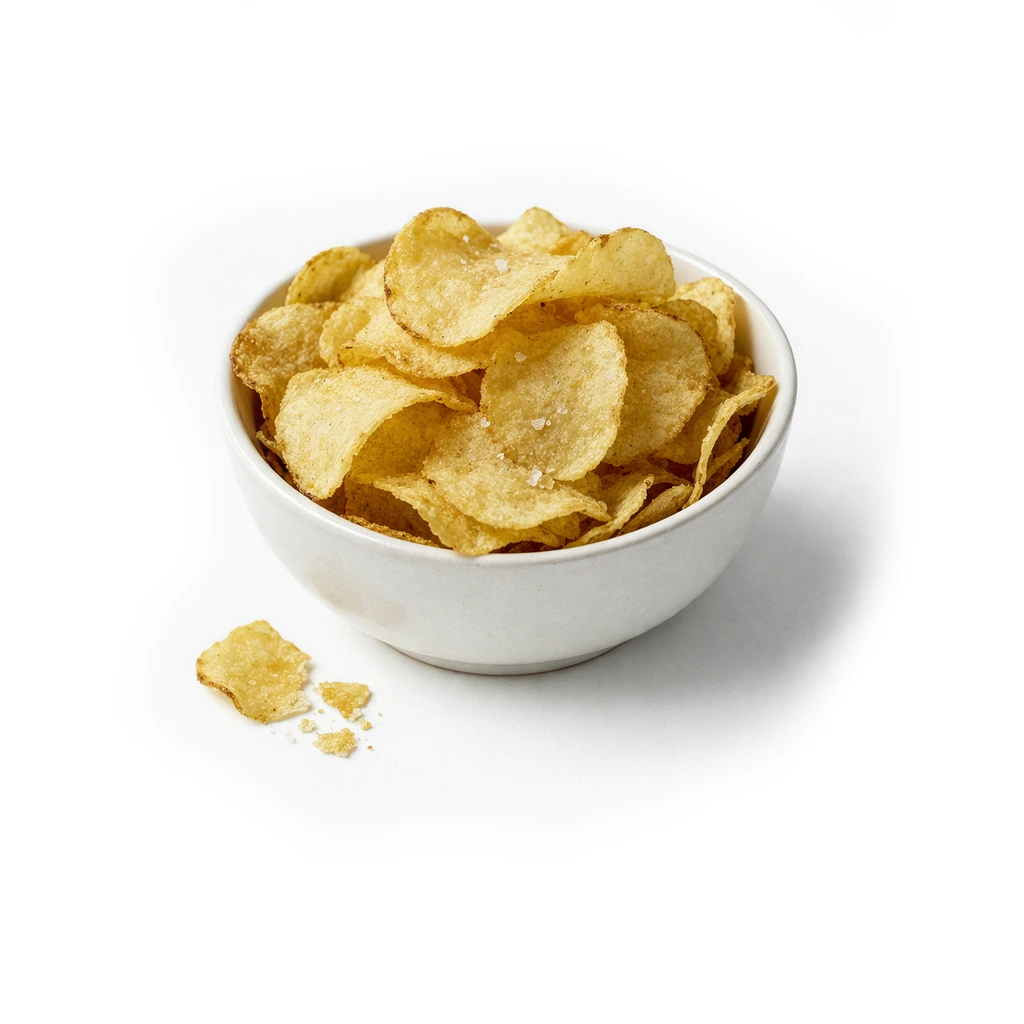
No more looking up E numbers on your phone in the crisp aisle.
Point your camera at the barcode, in the supermarket or at home. Or search for the product by name.
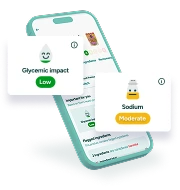
Bite Insight checks the product against your Clean Eating profile and shows what matters. The Additives and Sugar ratings, any added sugars or artificial ingredients, and anything on your own avoid list.
Pick the version with the shorter, plainer ingredients list without reading every word of it.
Where you shop
Bite Insight works with food from the big UK supermarkets, own-brand ranges included. If you shop in the UK, pick your supermarket in the app and swaps from that shop are shown first.







Bite Insight isn’t linked to any of these supermarkets.
The tools for checking ingredients while you shop are free. Additives and Sugar ratings, ingredient flags and the full nutrition table on every scan.

Everything you need to spot the additives and added sugar while you shop.
Additives rating Low, Moderate, High, Very High
Personalised warnings based on your Clean Eating profile
Full nutrition breakdown including sugar, salt and fat on every scan
200,000+ UK food and drink products
No subscription or payment details required.

Extra tools for planning meals and shopping for the whole household.
Subscription renews automatically. Cancel anytime.
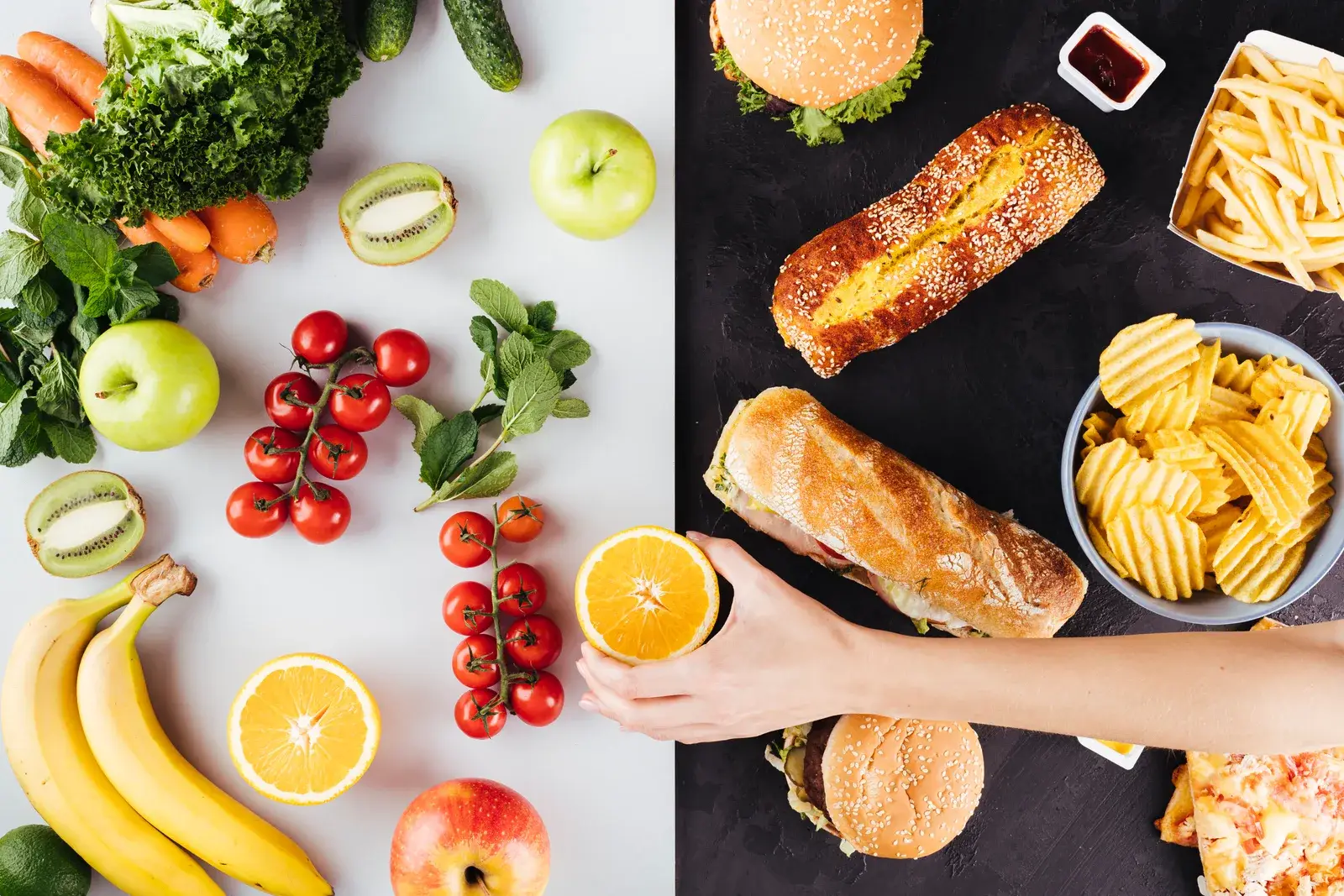
A lot of UK adults know ultra-processed foods are harmful, but only a few can correctly recognise them. Here's what UPFs really are, why they're so hard to spot, and how to take back control


Most E numbers are harmless, but a few, like the Southampton Six and nitrites in bacon, have real evidence behind them. Here's what to actually watch for.

Traffic lights, hidden salt and sugar claims. Here's how to read a UK food label properly, and what the 2026 rule changes mean for shoppers.
About using Bite Insight to cut down on additives and added sugar.
Yes. Bite Insight is a free app that scans UK supermarket food and gives it an Additives rating from the E numbers in the ingredients list. Add Clean Eating to your profile and it also flags added sugars, emulsifiers, artificial sweeteners, colours and preservatives, and shows a Sugar rating. There’s no scan limit on the free version.
There’s no official definition. Most people use it to mean eating more fresh food and less packaged food with long ingredients lists, additives and added sugar. That part fits UK healthy eating advice. Some versions go further and cut out gluten, dairy or whole food groups, which isn’t needed unless you have a diagnosed condition.
Not as a rule. An E number just means the additive has been approved for use, and the Food Standards Agency only approves additives that have been shown to be safe for their use. Some are familiar, like vitamin C (E300). A few are worth knowing about, such as the six colours that need a warning about children’s activity and attention. Many people who eat “clean” simply prefer fewer additives overall.
It counts the E numbers in the ingredients. With Clean Eating in your profile, nitrites (E250, E251), carrageenan (E407) and the antioxidants BHA, BHT and TBHQ count for more. One of those makes it Moderate and two make it High. Otherwise five or more E numbers is Moderate and fewer is Low. Very High only applies to additives like the six colours, when your profile also includes Child-Friendly or ADHD.
Added sugars, including dextrose, glucose syrup, honey and maltodextrin. Artificial sweeteners like aspartame and sucralose. Artificial colours and preservatives, nitrites, emulsifiers such as mono- and diglycerides (E471) and carrageenan, hydrogenated fats, high fructose corn syrup, MSG and artificial flavourings. Each one found shows under Flagged ingredients.
No. It doesn’t sort foods into processing groups. It rates the additives, flags the ingredients that clean eaters tend to avoid, and shows the full nutrition table. Between them you get a good idea of how far a product is from the raw ingredients.
Yes. You can add as many conditions, allergies and diets as you need, and every scan takes them all into account. Additives that matter to the rest of your profile count too. Add Child-Friendly or ADHD, for example, and the six colours linked to hyperactivity push the Additives rating up further.
No. Bite Insight gives food information to help you choose in the shop. It isn’t a substitute for advice from your GP or a dietitian. If you’re thinking about cutting foods out because of a health problem, speak to them first.